Sandbox app icon: a sandcastle with a red flag

A private AI that builds things on your Mac.

Free · macOS 13 or newer · Apple silicon (M1 or newer)

Already have it? Open Sandbox
Goal completeFlag planted in ~/Projects/todo
The Lifeguard asks firstBefore deleting, sending, or paying
Runs on your MacNo account, nothing sent anywhere
Sandbox
The Sandbox home screen: a sandcastle on a sunny beach above a message box with Chat and Goal options, and recent chats and goals in the sidebar

Try one

Tidy my Downloads folder into folders by type Why is my Mac fan so loud? Build a simple to-do web app in ~/Projects/todo Find three well-reviewed ramen places near me Rename my vacation photos by date Plan a weekend trip to Big Sur
Summarize the PDFs in my Documents folder Make a 3D model of a sandcastle Put my dentist appointment on the calendar Make a picture of a lighthouse at sunset Fix the failing tests in ~/Projects/api Which files are taking up the most space?

Three steps, no setup

Download, drag, press one button.

There's nothing to install by hand and nothing to type. Sandbox picks the right AI model for your Mac and keeps itself up to date.

Sandbox.dmgIn your Downloads
1

Open the download

Click Sandbox.dmg in your browser's downloads, or double-click it in the Downloads folder.

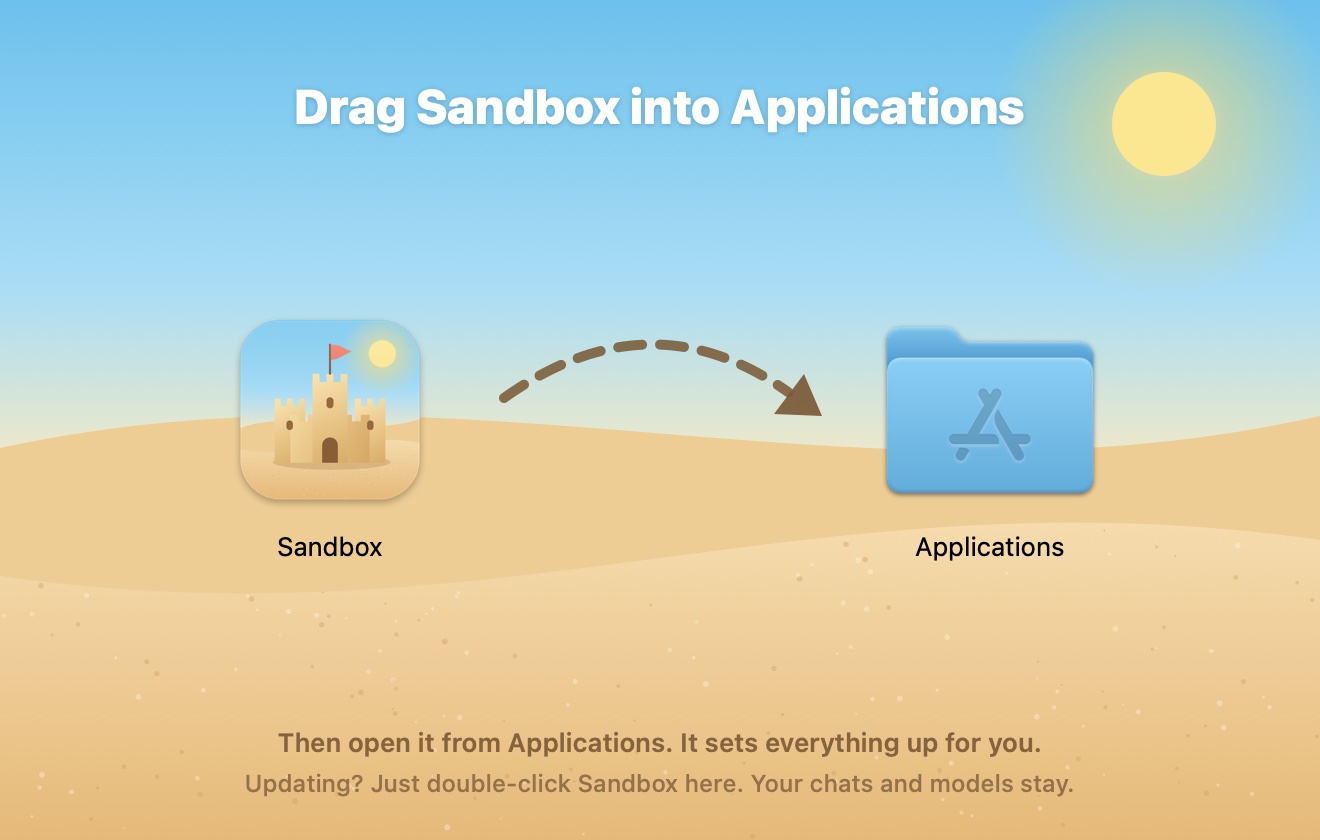
The Sandbox window with an arrow from the Sandbox icon to the Applications folder
2

Drag it into Applications

The window shows you where. Then open Sandbox from Applications.

Sandbox's welcome screen with the model picked for this Mac
3

Press Download

Sandbox has already picked the best model for your Mac. Start playing while it downloads.

Two ways to play

Chat, or give it a goal.

Plan a weekend trip to Big Sur
A Sandbox chat planning a weekend in Big Sur: it browsed three pages, wrote an itinerary, then asked the Lifeguard before adding events to Calendar A finished Sandbox goal that built a to-do web app: a screenshot of the working app, the Goal complete card, and the Blueprint and Tide Log in the side panel

Goal mode, start to finish

Hand it the job. Watch the flag go up.

Sandbox makes a plan, works through it step by step, checks with you before anything risky, and tells you when it's done.

An animated example: given the goal "Tidy my Downloads folder", Sandbox plans four steps, looks through the folder, writes and runs a sorting script, asks the Lifeguard before deleting old installers, remembers where installers go, and finishes with Goal complete.

Safe by design

Playful on the outside. Careful underneath.

The Lifeguard

Asks before risky actions

Deleting, sending, paying, or changing system settings waits for your OK. Allow it right from the notification.

The Tide Log

Undo for file changes

See exactly what changed in every file, side by side, and rewind one change or the whole sandcastle.

Stays on your Mac

Local models, no account

The AI runs on your Mac's own chip. Nothing you type or show it is sent anywhere.

The Bucket

It remembers

Tell it your preferences once. Every chat and goal starts knowing them, and you can edit the notes any time.

Periscope and Toybox

Browser and Mac apps

It can research on the web in its own browser and work with Mail, Calendar, Reminders, and Finder.

Tidy my Downloads folder
A finished goal in Sandbox: the Lifeguard card showing the delete command you allowed, tool steps, a Goal complete card, and the Tide Log with Rewind All 2 Changes

Take the tour

Every corner of the beach.

Models picked for your Mac

Sandbox knows how much memory your Mac has and suggests models that run great on it. Switch any time, or bring your own .gguf.


The Models window: Qwen3.5 9B in use, two more models on this Mac, and recommended models marked Runs great

The Bucket

Tell it once. Every chat and goal starts knowing it.

The Bucket: notes Sandbox remembers in every chat and goal, like where installers go

Quick Ask, from anywhere

Press the shortcut in any app to ask a question or start a goal.

⌃ control⌥ optionspace
The Quick Ask bar: Ask Sandbox anything, with a checkbox to make it a goal

See every change

The Tide Log keeps a before and after of each file Sandbox touches, so you can check its work line by line.

A diff of a shell script in the Tide Log, with added lines in green and the removed line in red

Right in your menu bar

See what's building and ask something new without opening the window.

Sandbox's menu bar panel with a message box and the build status

Night Shift

Start a big goal and close the lid. While a goal is running and your Mac is plugged in, Sandbox keeps it awake. When the goal finishes or you unplug, normal sleep comes right back.

Build your first sandcastle.

Free, private, and ready in three steps.

Download for Mac

macOS 13 or newer · Apple silicon (M1 or newer)